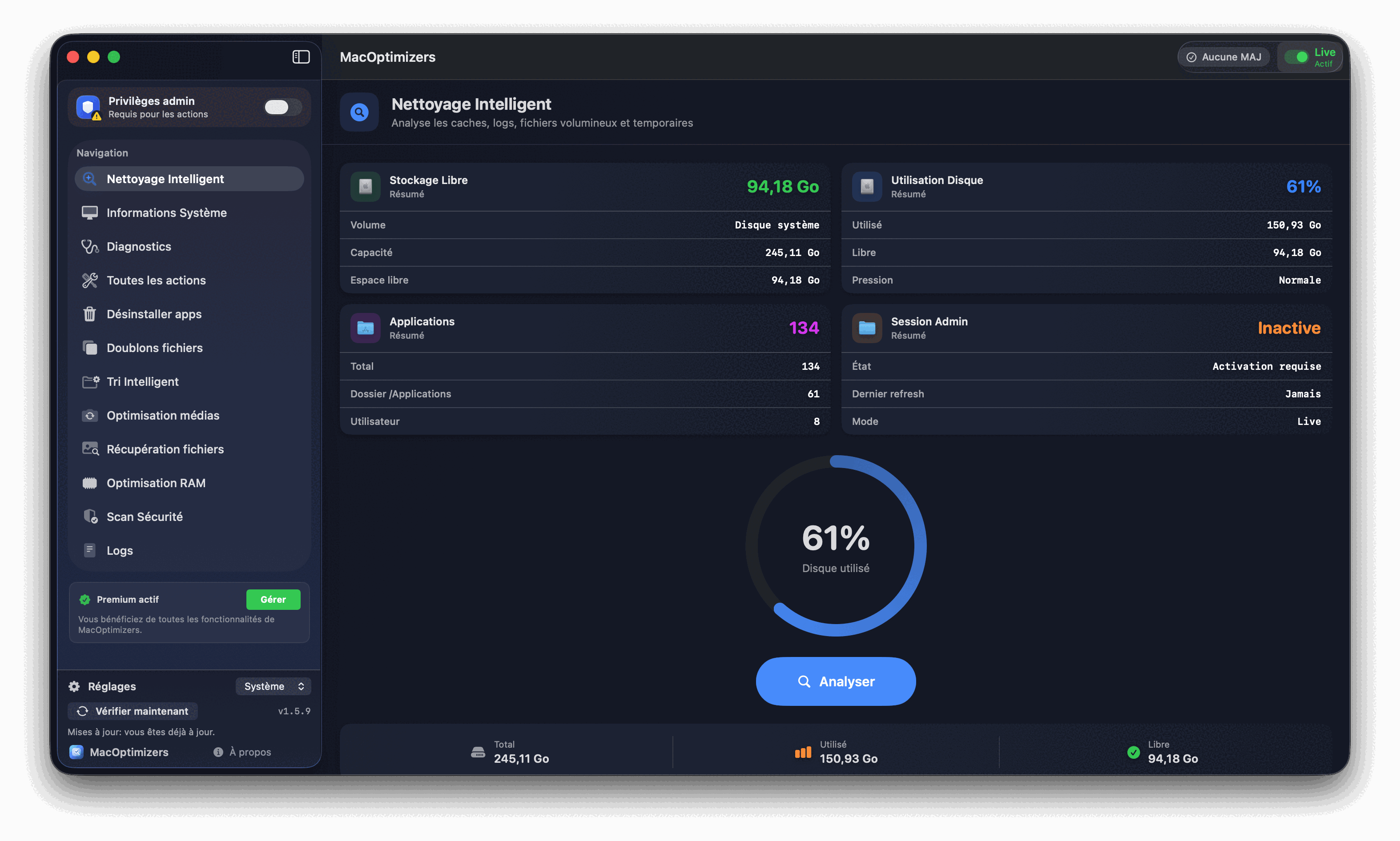
What's actually eating your storage
The storage bar in macOS (Apple menu > About This Mac > Storage) is notoriously misleading. "System" can display 40, 60, even 80 GB when macOS itself weighs roughly 15 GB. Here's the breakdown of what's really in there:
- APFS Time Machine snapshots (5–50 GB): macOS saves local timestamped copies of your files, completely invisible in Finder. They release automatically when you need space — but sometimes that's not fast enough.
- App caches — user and system (3–15 GB): every app writes caches to ~/Library/Caches and /Library/Caches. They rebuild after deletion — completely safe to remove.
- App residues from old uninstalls (2–10 GB): dragging an app to the Trash leaves its data scattered across ~/Library/Application Support, ~/Library/Containers, and ~/Library/Preferences. macOS never cleans these up on its own.
- Large orphaned files (10–30 GB): .dmg installers in Downloads, Xcode DerivedData folders, old iPhone/iPad Finder backups, movies already watched. These are the biggest wins with the least risk.
- Duplicate files (5–15 GB): documents, photos, and videos that have been copied between folders or backed up multiple times without anyone realizing.
- The Downloads folder (2–8 GB): almost nobody cleans this regularly. It fills up with .zip, .pdf, .dmg, and .pkg files that served their purpose long ago.
- System and app logs (1–5 GB): ~/Library/Logs and /var/log accumulate indefinitely on some setups, especially after crashes or failed updates.